







In short
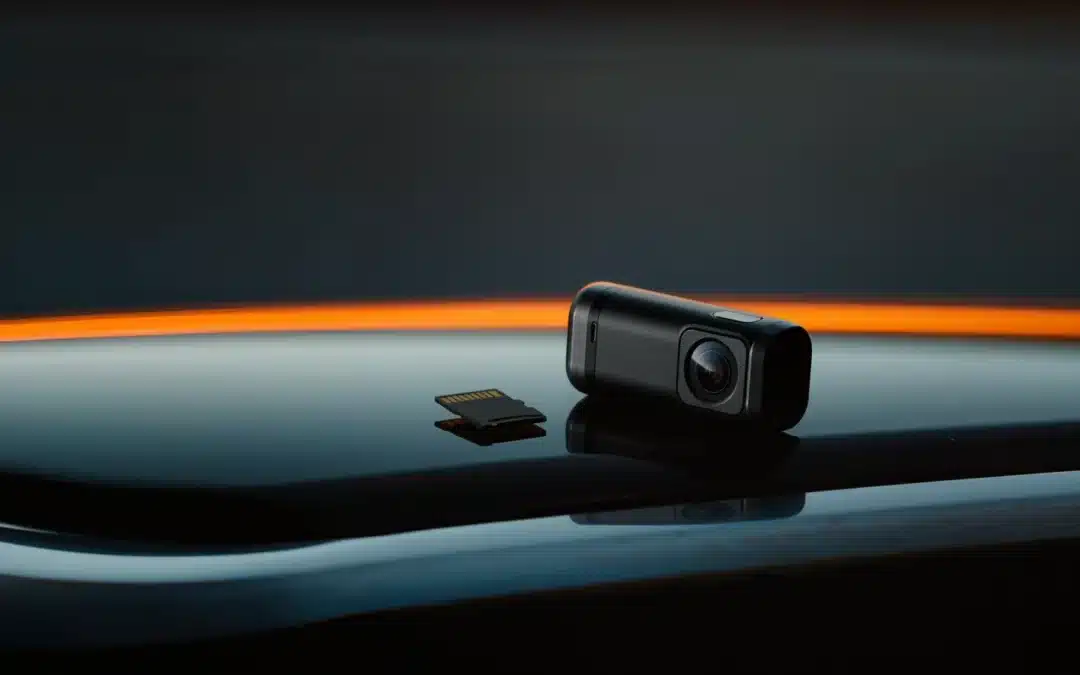
- A dash cam rewrites its card all day. A normal card is not built for that. A “High Endurance” card is.
- SanDisk rates its High Endurance 128 GB for up to 10,000 hours of Full HD recording. Samsung sells the PRO Endurance line for the same job.
- Expect about €19 to €36 for 128 GB, depending on the shop. A dead card means no footage when you need it.
Your dash cam is only as good as its card. Most failures are not the camera. They are the cheap card inside. What does a good one cost? About the price of a tank of washer fluid and a sandwich. And a bad one? Your evidence.
Why normal cards die in a dash cam
A dash cam uses loop recording. When the card is full, it overwrites the oldest clips. That means constant writing, every minute you drive. A phone card is made for photos and the occasional video. A dash cam is a different job.
Heat adds to it. A windscreen in summer is a hard place for any electronics. Cards made for this use are sold as “High Endurance” or “Pro Endurance”.
What to look for
- Endurance rating. Look for “High Endurance” or “PRO Endurance” on the card, not just “fast”.
- Speed class. U3 and V30 are the minimum for Full HD and above. The SanDisk High Endurance is Class 10, U3, V30, up to 100 MB/s read and 40 MB/s write.
- Capacity. Check the maximum card size in your dash cam manual first. Many cams stop at 128 GB or 256 GB.
- Resolution. The hours SanDisk quotes are for Full HD. With 4K you get fewer hours.
- The shop. Buy from an established retailer. Fake cards are common on marketplaces.
Two cards to start with
- SanDisk High Endurance microSDXC 128 GB (SDSQQNR-128G-GN6IA): rated up to 10,000 hours of Full HD. The same series is rated 2,500 hours at 32 GB, 5,000 hours at 64 GB and 20,000 hours at 256 GB. Prices I saw run from about €19 in German shops to about €36 at a price-comparison seller. Check today’s price.
- Samsung PRO Endurance 128 GB (MB-MJ128KA): built for dash cams and security cameras. Prices I found run from about €19 to about €29 in European shops.
I have not tested these cards myself. The hour ratings come from the makers and are best-case numbers. Real life will be lower.
How to set it up
- Switch the dash cam off and insert the card.
- Format the card inside the dash cam, not on your computer.
- Record a short clip and play it back on your phone or PC.
- Repeat the format and a test clip every month or so.
- Replace the card when the cam shows a card error, or after a few years of daily use.
Mistakes to avoid
- Using an old phone card because it is lying around.
- Buying the cheapest card from an unknown seller.
- Never checking that the cam really records.
- Choosing a card bigger than the cam supports.
Do the math: Say you drive 1.5 hours a day. That is about 550 hours a year. A card rated for 10,000 hours covers about 18 years on paper. Even if you replace it every three years, a card at about €19 costs you roughly €6 a year. That is cheap insurance for the footage that proves who was at fault.
FAQ
How big should the card be? 128 GB is a good start for a Full HD cam. Check the maximum your dash cam supports.
Can I use a normal microSD card? It may work for a while. It is not made for constant overwriting, so it is a risk.
How often should I check the card? Format it in the cam and watch a test clip about once a month.
Ivan’s Take
Do not put a random card in a good dash cam. Buy a High Endurance 128 GB card from a proper shop, format it in the cam and test it monthly. It costs about €19. That is the cheapest part of your whole setup, and the most important one.
Sources: Galaxus: SanDisk High Endurance 128 GB; Samsung: PRO Endurance microSD.
Published:
More from this section

The AvtoGear weekly
Once a week: new tests, the best deals and one useful tip for your car. Nothing extra.
